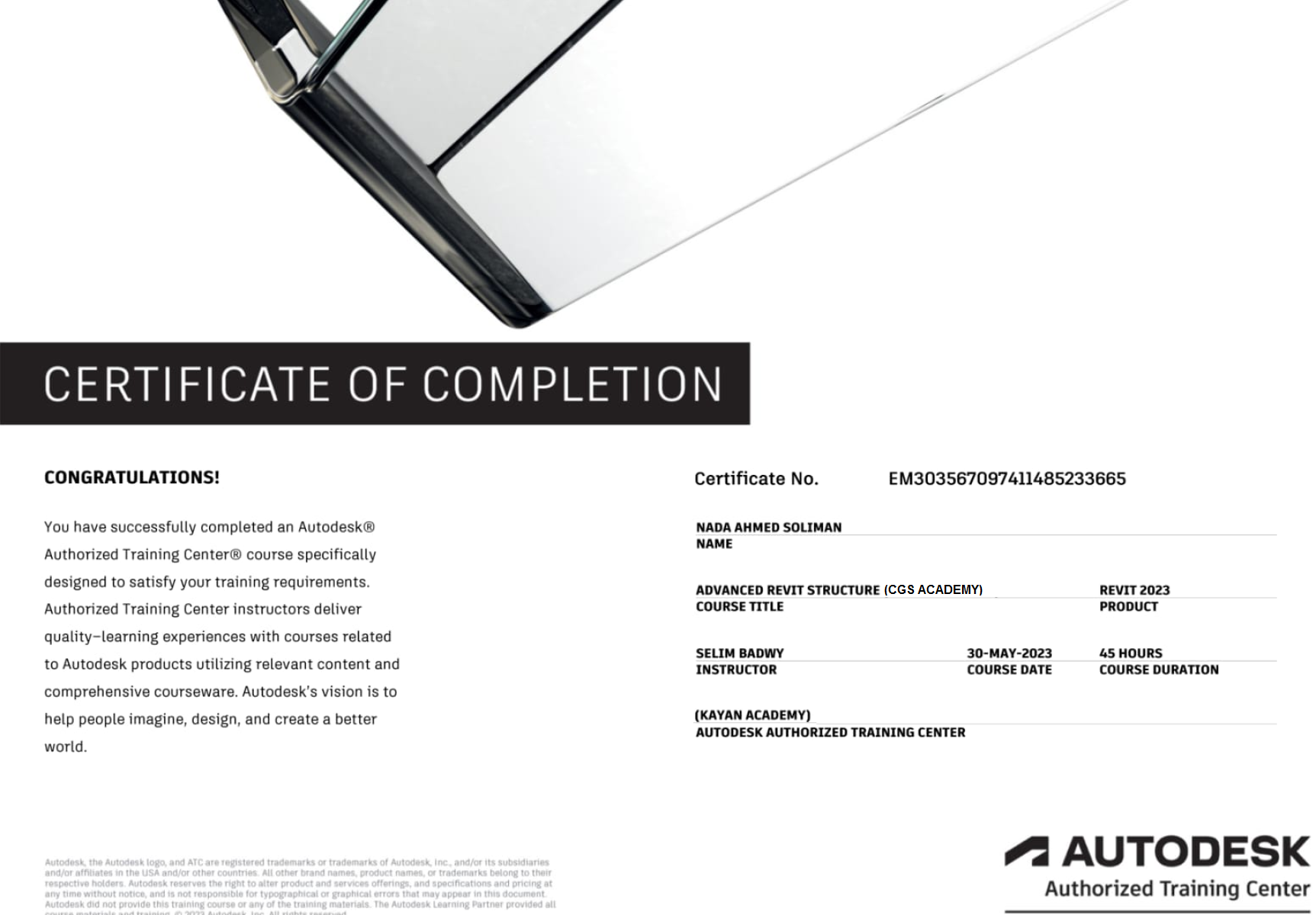
How do you get your Autodesk Certificate of Completion ? الحصول علي شهاده اتوديسك ؟
How do you get your Autodesk Certificate of Completion ? - Finish you exam and click the button that obtain the Autodesk Code of that course
- Create an account, click here. Your full name, a valid email address - Use same CGS Academy Account , and country-of-residence will be required to create an account
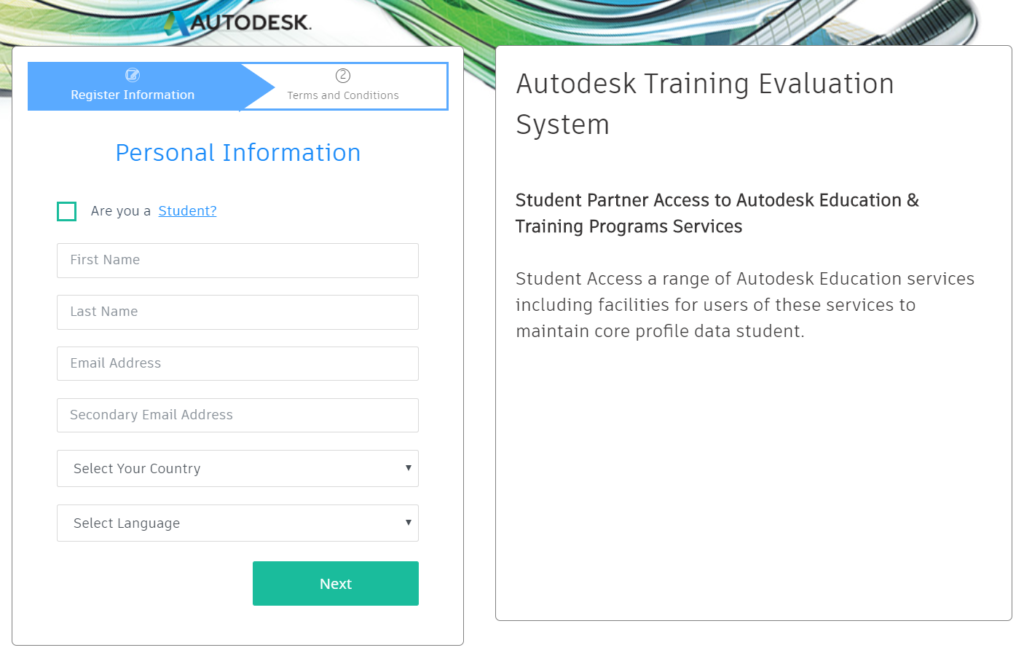
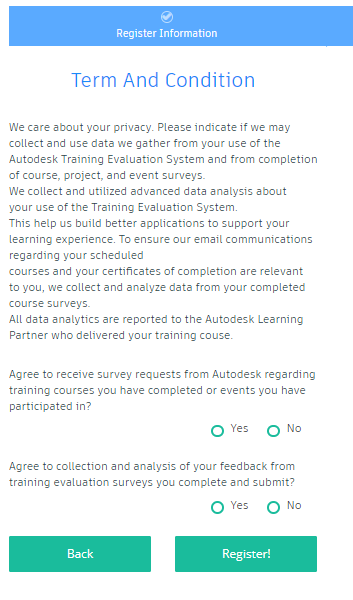
- You will then be asked to review the Terms and Condition of the evaluation survey. If you are currently enrolled in a college or university, please select Student. You must then click YES for the opt-in questions. If you click NO, you will not receive the Student Evaluation Survey request.
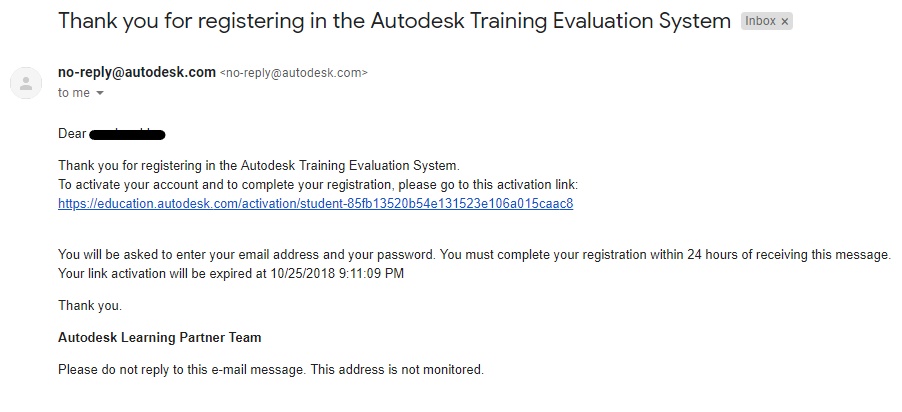
- An email with a verify link should be sent to the registrant. Please verify by clicking the activation link.
- You will then be prompt to create a password.
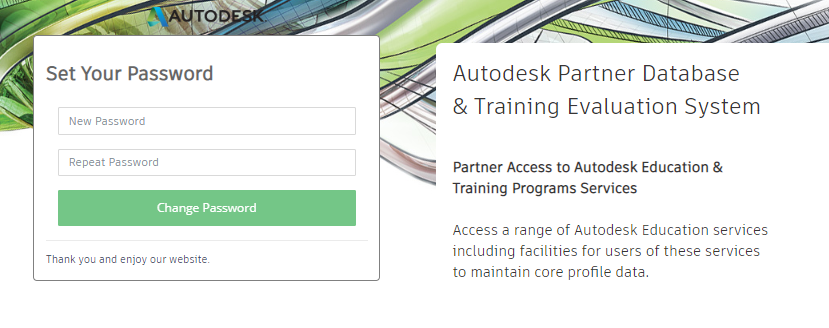
- Upon completion of the registration process, the customer will be able to return to the Training Evaluation System’s Sign In page by using this URL: https://education.autodesk.com/login-student
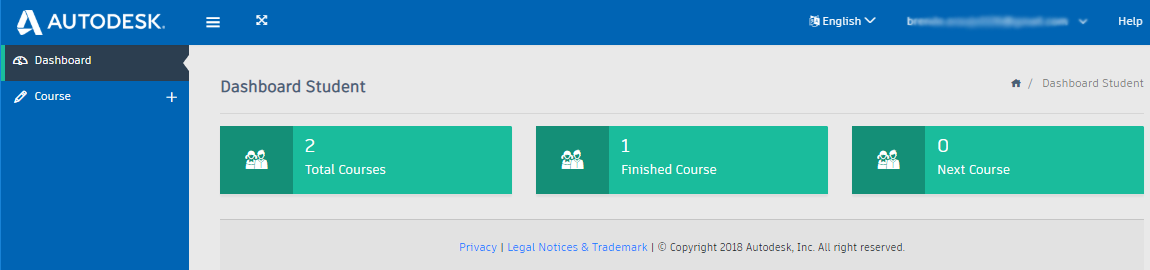
- Upon login into the Training Evaluation System, you should see the student Dashboard view. The Dashboard will show the course(s) you have completed, your current courses, and total number of courses you have attended.
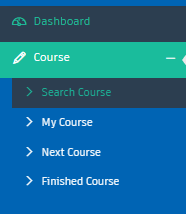
- From the Dashboard view, please click on Course; from the drop-down menu, please select Search Course.
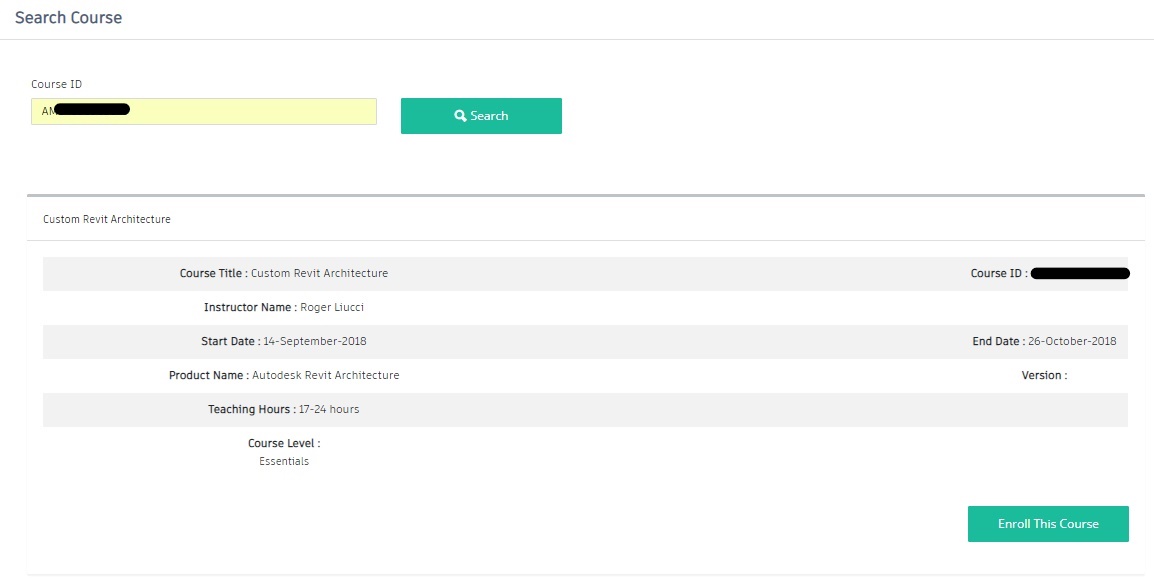
- On the search box shown, please enter the Course ID and confirm if the appropriate course appears.
- You may then enter the Course ID provided by CGS Academy in Step 1 , and select the Enroll the Course button.
- The system will show a pop-up window asking to confirm registration for the selected course. Please click ‘Yes, sure!’ to confirm the course enrollment.
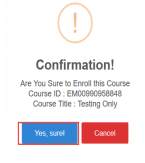
- The Survey Status will show Not Completed if you have not completed the Student Evaluation Survey for the specific course. You may then select the Not Completed link . ( please Use Laptop not moblie to continue that step )

- The survey questions are delivered a single question at a time, with approximately 15 Total questions per survey.
- It may be completed on computer not on mobile phone some times
- After completing the Student Evaluation Survey, please Submit the evaluation to complete the survey process.
- After the Student Evaluation Survey is completed, from the drop-down menu, please select Finished Course.
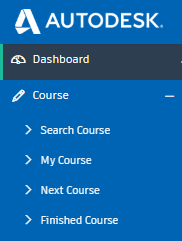
- Wait for Reviewing your Certificate for about 3~7 days
- After Reviewing, you will then see a list of your enrolled courses; You may select Click Here under the Download Certificate

- Enjoy your certification you can publish it in linkedin of facbook and mention us if you like.
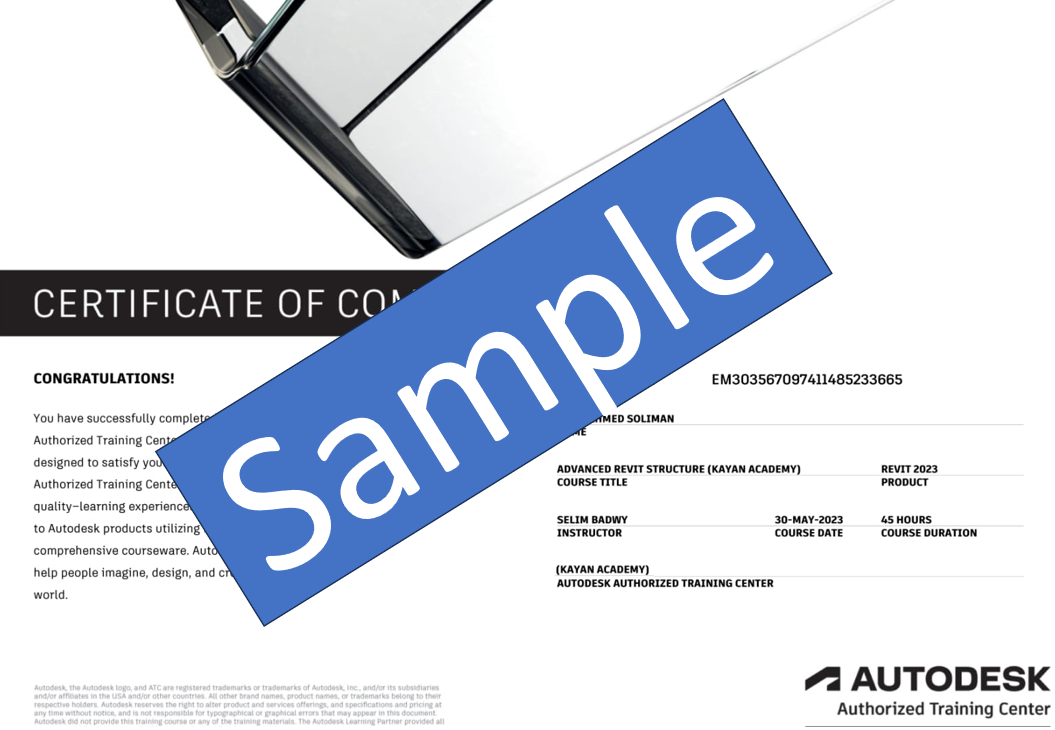
- Please click SAVE to download a PDF file of your certificate.
- If any issue occurs, please Contact us